Recovering Lost Passwords: A Guide to Password Recovery Tools
When dealing with password-protected files, it's not uncommon to encounter situations where the original password is lo…
Password Monk is a professional password recovery suite for Windows — with a file locker and AES-256 secure vault built in. GPU-accelerated. No paywall. No ads.
As seen on — trusted by users in 150+ countries
Six powerful workspaces — from one-click password recovery to military-grade file encryption. All bundled together, completely free.
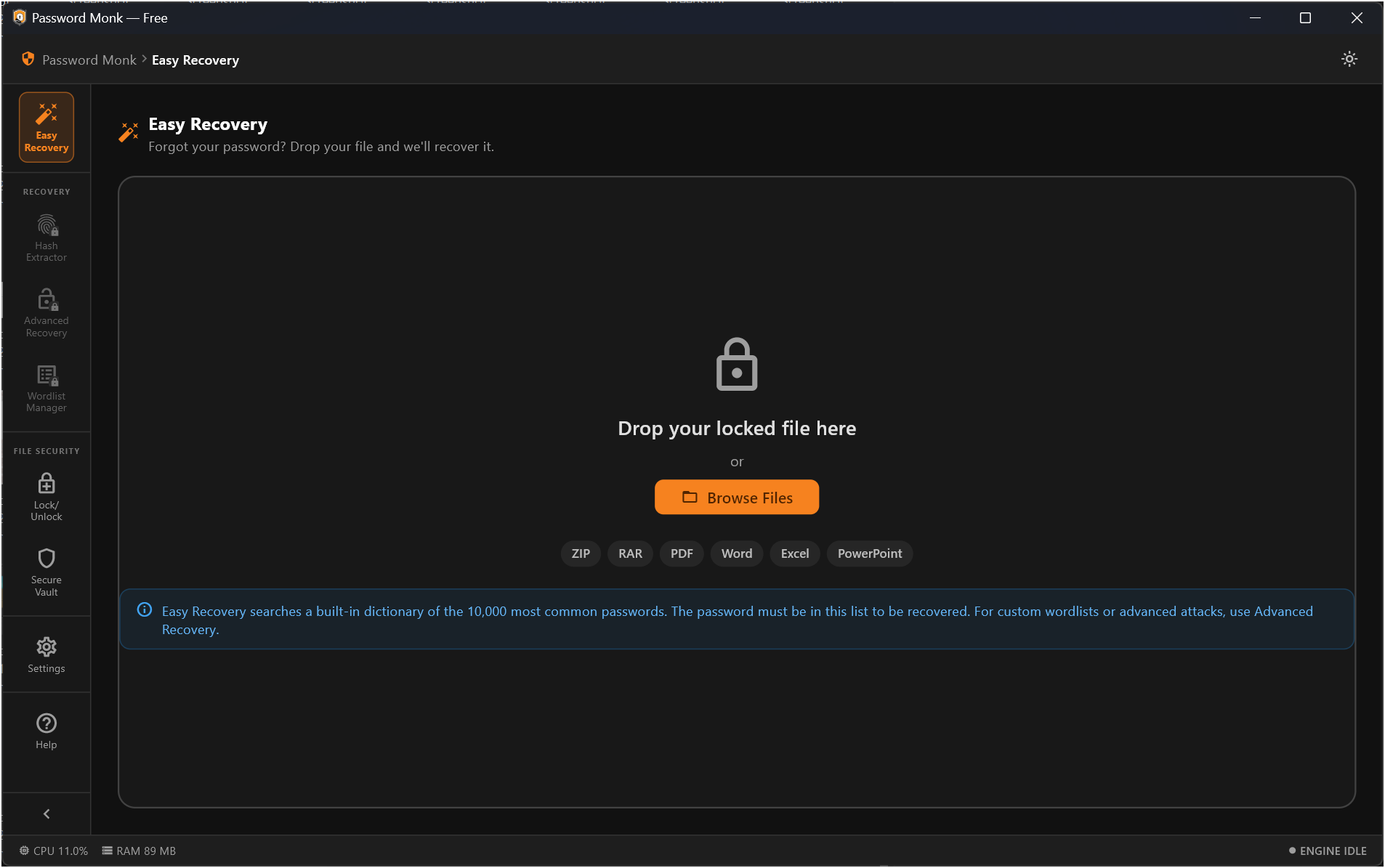
Drag-and-drop any locked file for instant one-click password recovery. Automatic format detection — no configuration needed.
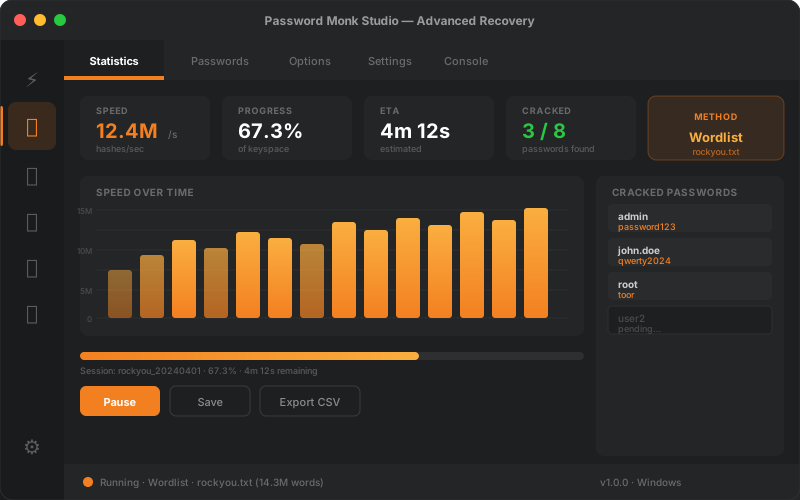
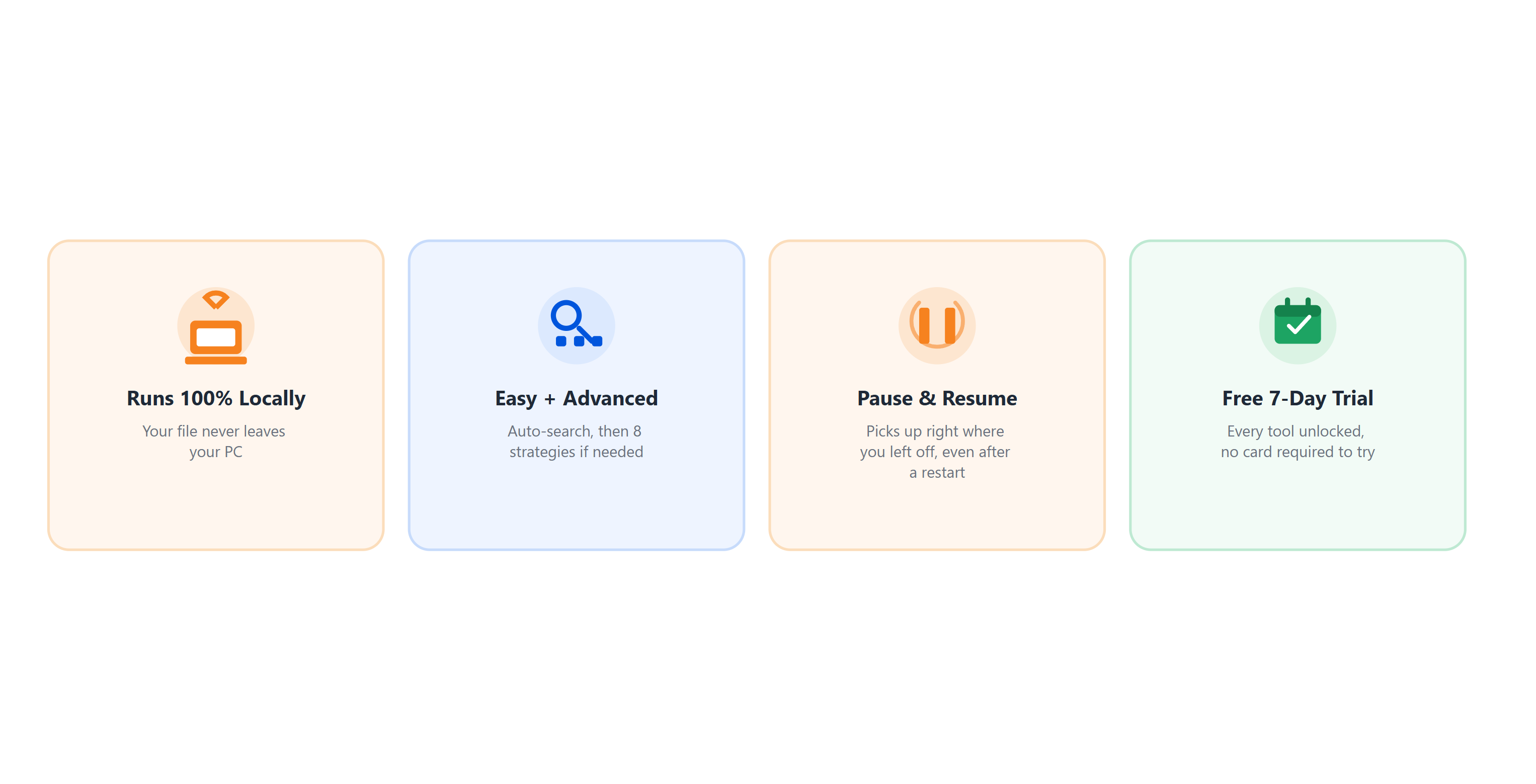
Eight recovery methods — Wordlist, Mask, Incremental, Markov, PRINCE, and more — with real-time progress charts, session save & resume, and GPU acceleration.
Native extraction of encryption signatures from ZIP, RAR, PDF, Office, KeePass, VeraCrypt, BitLocker, SSH, GPG, and Bitcoin wallets. Pure Dart — zero external dependencies.
Manage local password dictionary libraries with 500K+ bundled entries. Import custom wordlists and organise them for targeted recovery jobs.
Password-protect files in their native format (ZIP, PDF, Word, Excel, PowerPoint) or strip known passwords in seconds — drag-and-drop, no conversion needed.
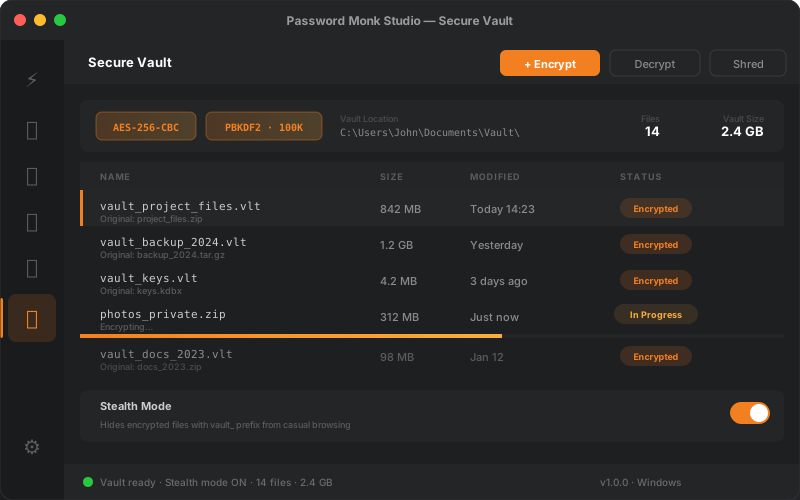
AES-256-CBC encrypted storage with PBKDF2-SHA256 (100K iterations). Batch encrypt/decrypt, multi-pass file shredding, and stealth mode. All local — no cloud.
Choose the right attack strategy for every scenario — from fast dictionary scans to exhaustive pattern-based brute-force — and monitor everything in real time with live charts and GPU acceleration via John the Ripper.
Store any file in AES-256 encrypted containers. Every file gets a unique random salt and IV — making brute-force attacks computationally infeasible. No cloud. No server. Everything stays on your machine.
No technical knowledge required.
Drag and drop your locked ZIP, PDF, Word, Excel, or other file anywhere in the app. Password Monk auto-detects the format.
Use Easy Recovery for one-click results, or choose from 8 advanced attack methods — Wordlist, Mask, Incremental, Markov, PRINCE, and more.
Watch real-time progress with live charts. When the password is found, you're notified instantly — even if the app is minimised to the system tray.
Download Password Monk for Windows — free, no subscription, no credit card.
↓ Download for Windows — FreeRequires Windows 10 or later (64-bit) · All computation runs locally · No cloud, no tracking
Native extraction and recovery for the most common encrypted file types — no plugins or third-party tools needed.
Archives & Documents
System & Credential Hashes
Other Protected Formats
| Component | Minimum | Recommended |
|---|---|---|
| Operating System | Windows 10 (64-bit) | Windows 11 |
| RAM | 4 GB | 8 GB or more |
| Disk Space | 500 MB | 1 GB (for wordlists) |
| Display | 1280 × 800 | 1920 × 1080 |
| GPU (optional) | NVIDIA or AMD GPU with OpenCL support for hardware-accelerated recovery | |
| Internet | Required for activation; fully offline after initial email verification | |
Real feedback from Password Monk users around the world.
"Recovered my Excel file password in under 2 minutes. I'd been locked out for weeks. Completely free and no sketchy installs — highly recommend."
— Password Monk user, Germany
"The GPU acceleration makes a massive difference on larger wordlists. Best free tool I've found for ZIP recovery — tried 4 others before this."
— Password Monk user, United States
"Simple, fast, and actually works offline. The secure vault is a great bonus — I use it for client documents. No cloud means I trust it."
— Password Monk user, India
When dealing with password-protected files, it's not uncommon to encounter situations where the original password is lo…
As the digital age continues to grow, our reliance on Portable Document Format (PDF) files has become increasingly prev…